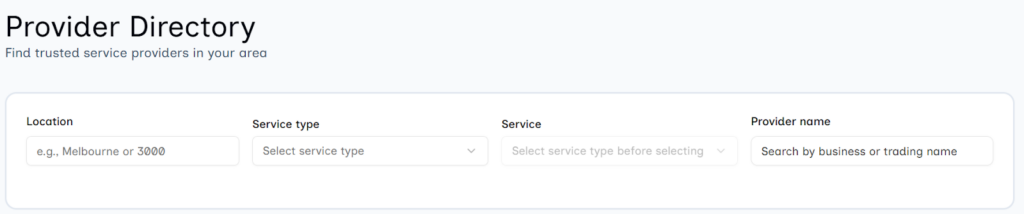
With a network of service providers to choose from, finding the right fit for your needs should be simple. That’s why we’ve improved how you search for service providers on the dashboard.
What's new with search?
In your Service Provider Directory, you can search using more than just a postcode or provider name. You can now specify the service and service type you’re after, like Meals or Nursing Care, making it easier and faster to find the support you need.
Your HomeMade account How do I access my HomeMade account? Check out our helpful video for more information on using the HomeMade portal. Check out our helpful video for more information on using the HomeMade portal. Support at Home program guidelines Can I pay a family member or friend to provide me with service or […]
You can search for service providers through your HomeMade account. Steps to search for service providers Log in to your dashboard Select Service providers Select Search providers Use the filters to narrow down your search Review service providers Connect with your chosen service provider directly through your dashboard. Note: You can engage service providers only […]
For information on funding levels and accessing AT-HM, refer to our Understanding Assistive Technology and Home Modifications funding guide. What are home modifications? Home modifications include changes to your home to make it safer and more accessible, such as grab rails, ramps or bathroom modifications. For a full list of what can be covered with […]